


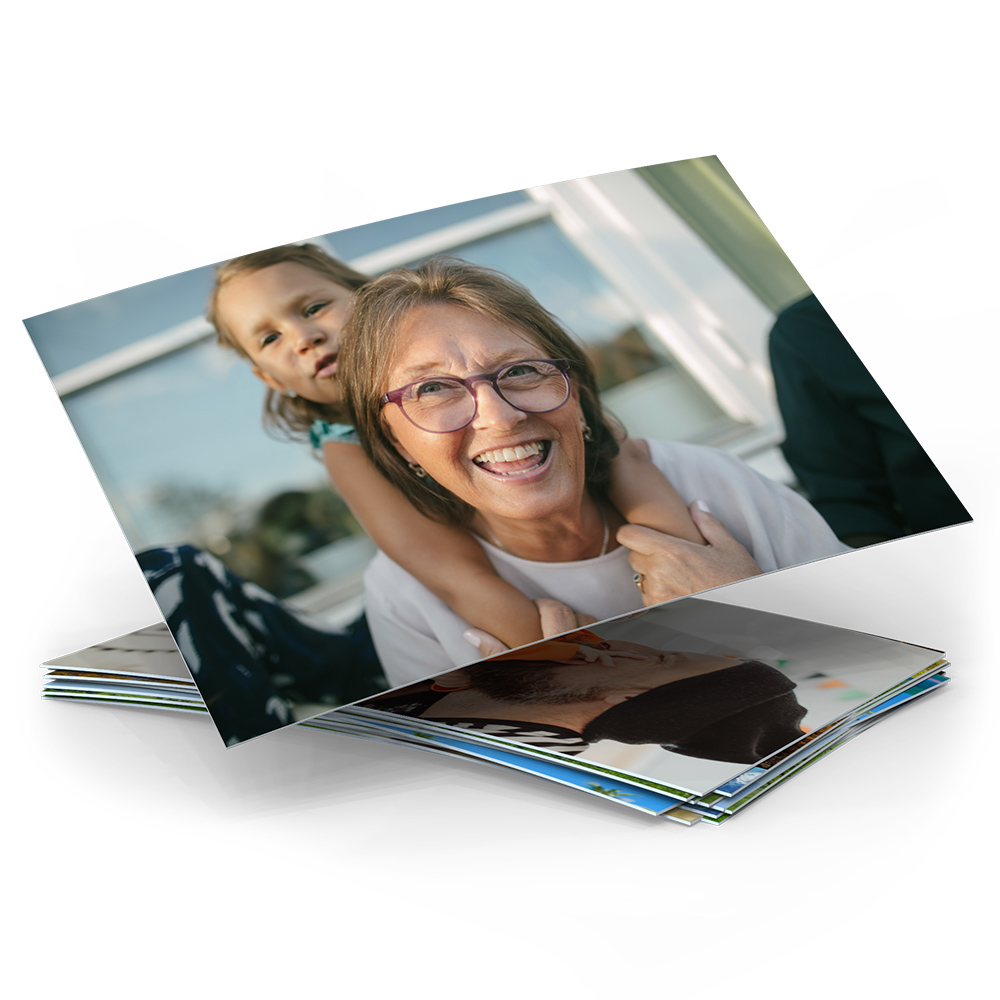
- 9, 10, 11, 13 or 20 cm
- 270 g / m² genuine premium photo paper
- Exposed photographic print
- Your own text on the back
- Developed on "FUJIFILM photo paper" (glossy or matt)

- Format: 13 x 13 cm
- 400 g / m² premium photo paper, matt
- Softcover with flat inner pages
- 20 to 100 pages
- Optional with gift box
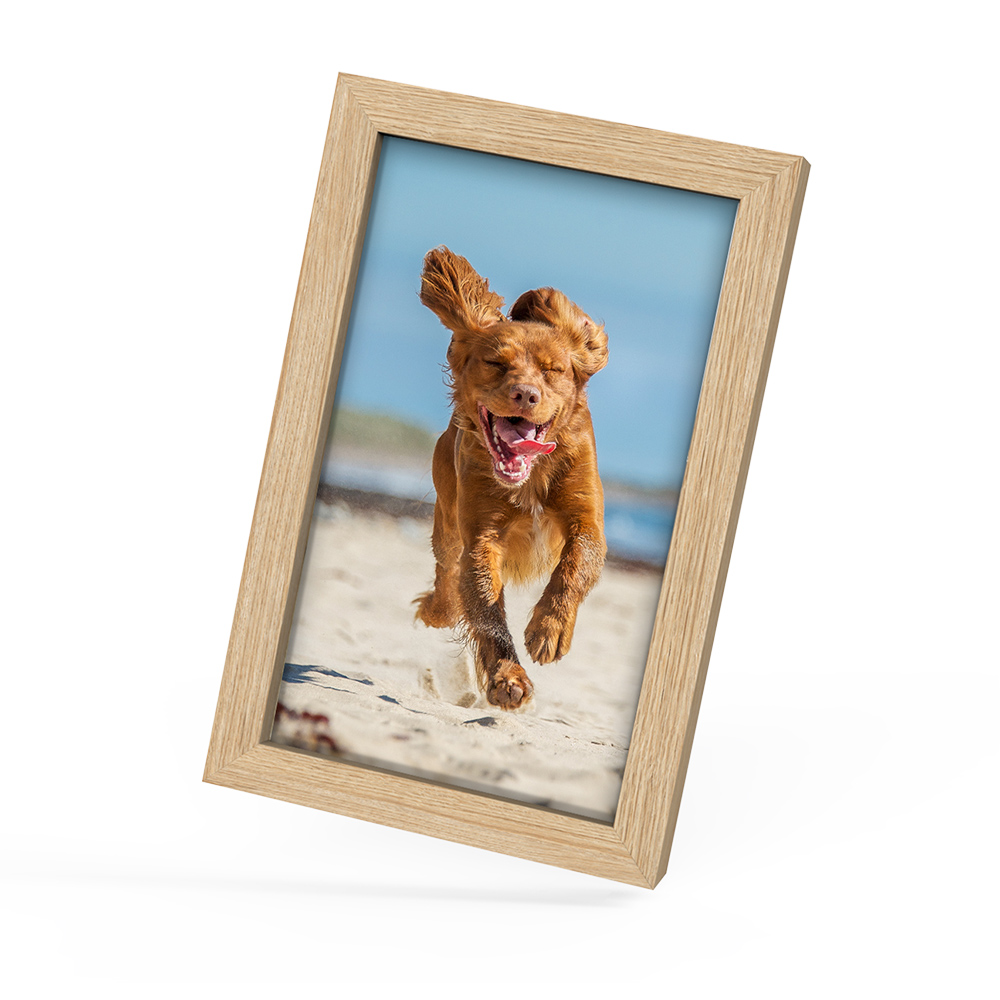
- Sizes: 2 : 3, 10 x 15, 11 x 17, 13 x 19, 20 x 30 cm
- Digital photos 10 x 15 to 20 x 30 cm
- Colour: black, white, natural oak
- To hang up or stand up
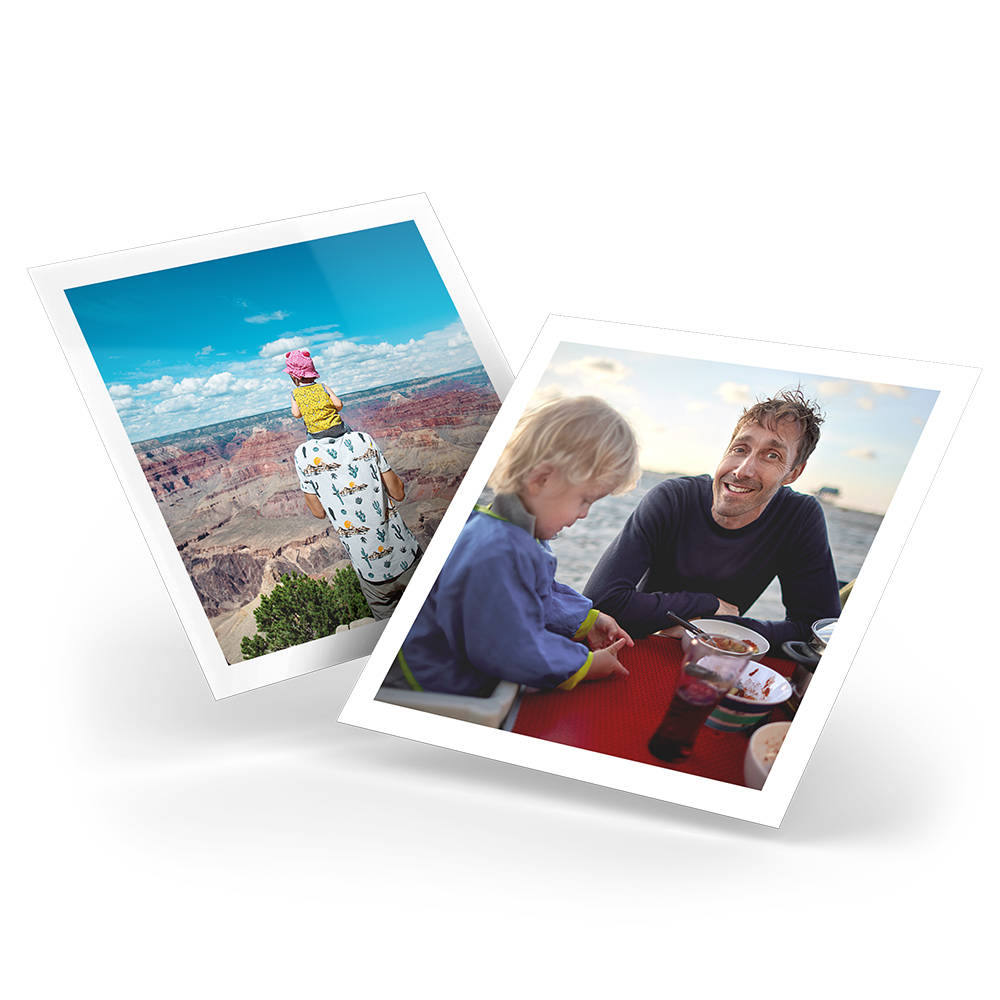
- 24 square photos, 10 x 10 cm
- 270 g / m² genuine premium photo paper
- With or without a white border
- Box included
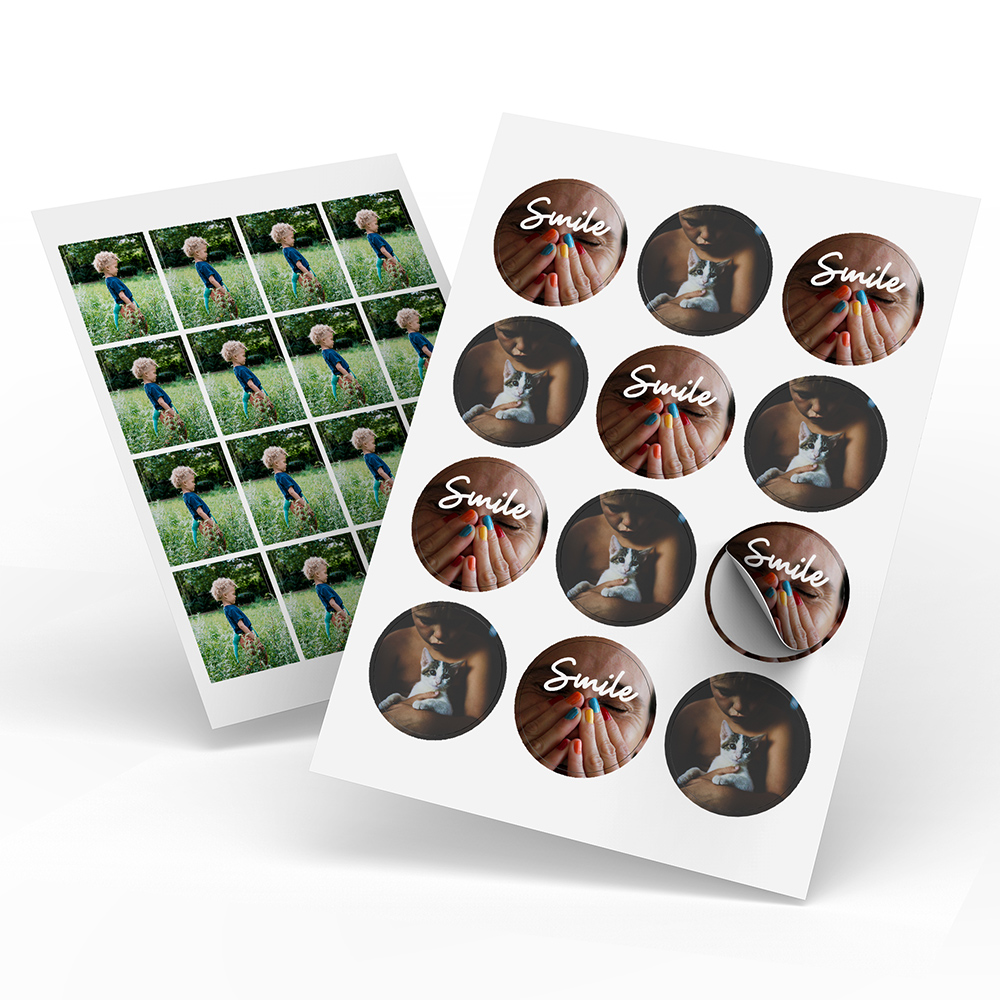
- Round (40 mm) and rectangular (30 x 40 mm)
- A5 sheets with 12 or 16 stickers
- Good adhesion to many surfaces
- Quality paper with matt finish

- Fit all sizes of our digital photos
- Gives a depth effect
- 18 mm thick acrylic block
- Interchangeable photos using magnets
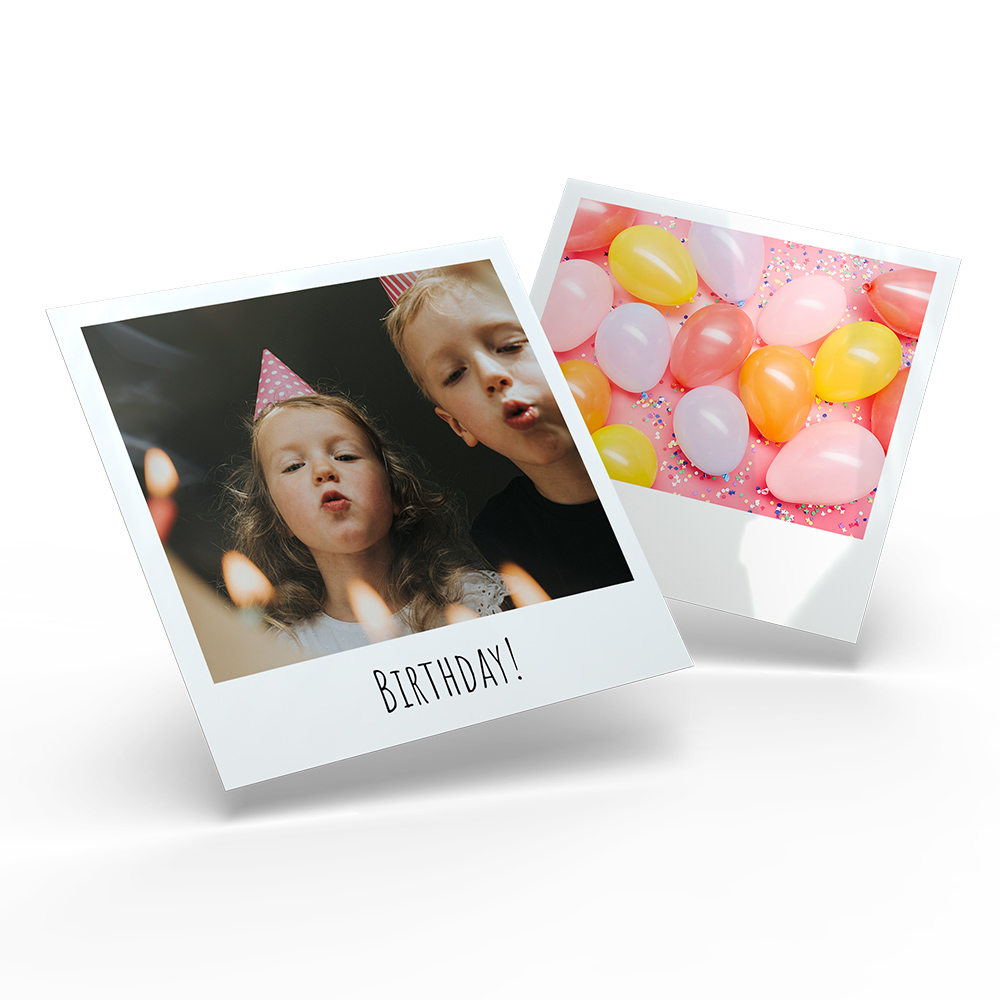
- 24 retro pictures, 10 x 10 cm
- 270 g / m² genuine premium photo paper
- Vintage effect thanks to white border
- Box included

- Format: 10 x 15 cm
- Transparent acrylic glass, 18 mm
- Filled with snow, hearts or sand
- Easily swap photos
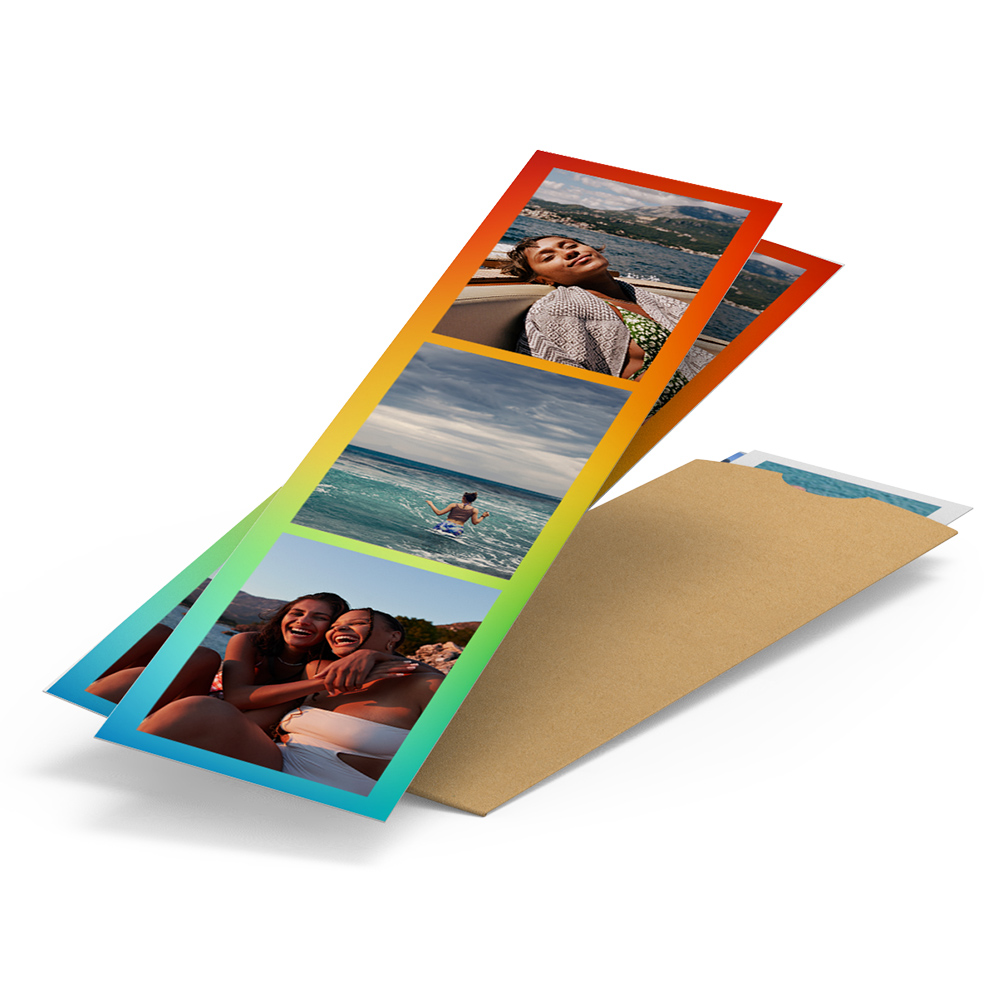
- 5 x 19 cm format, Set of 5
- 300 g / m² digital printing paper
- High-gloss finish on both sides
- Craft paper cover included
Creative design ideas
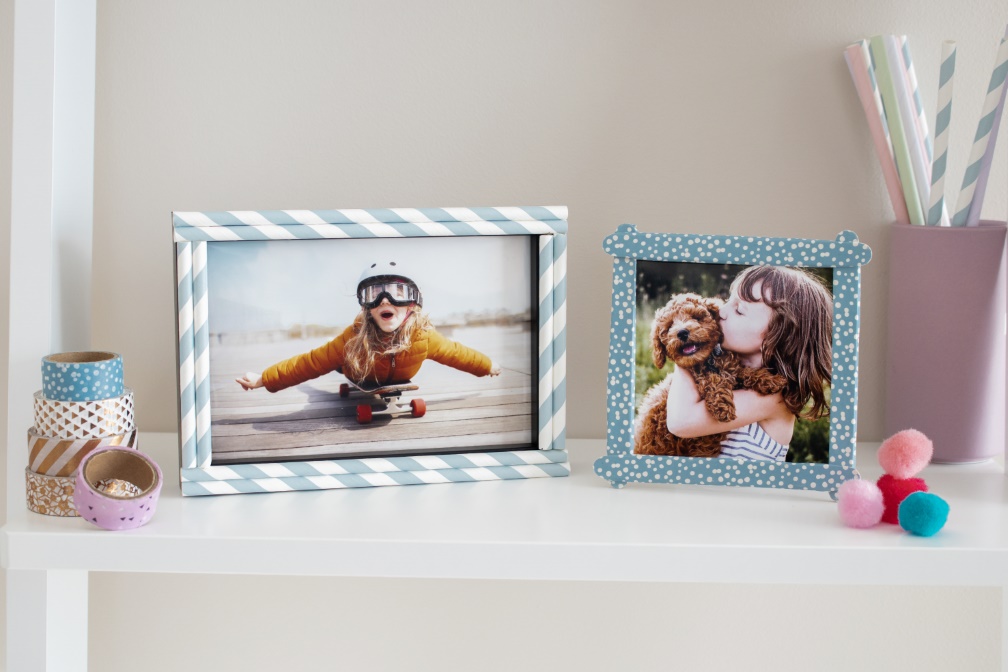
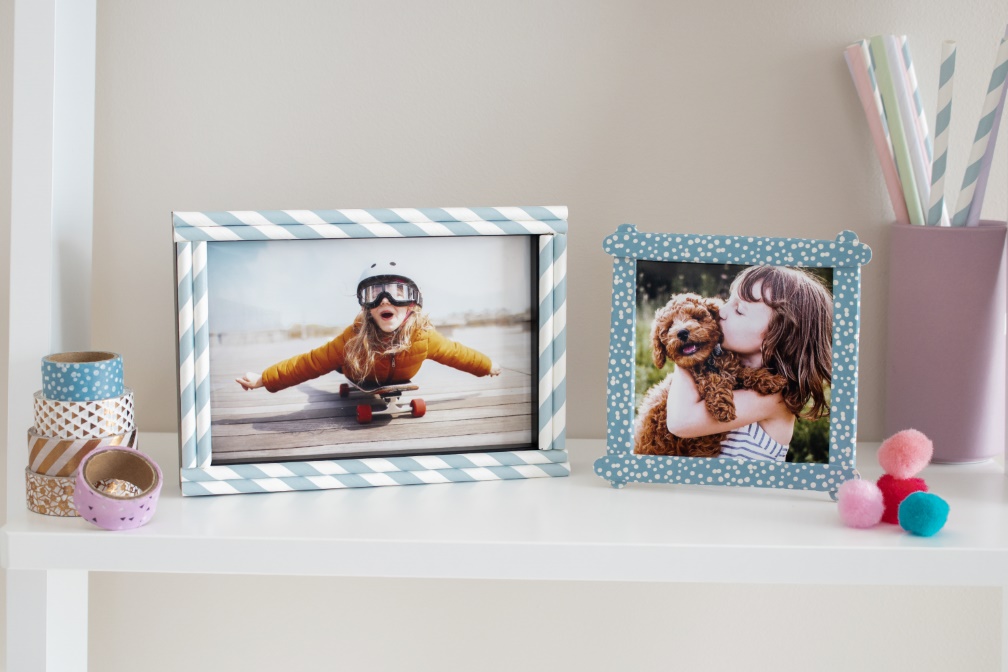
Creative photo frames
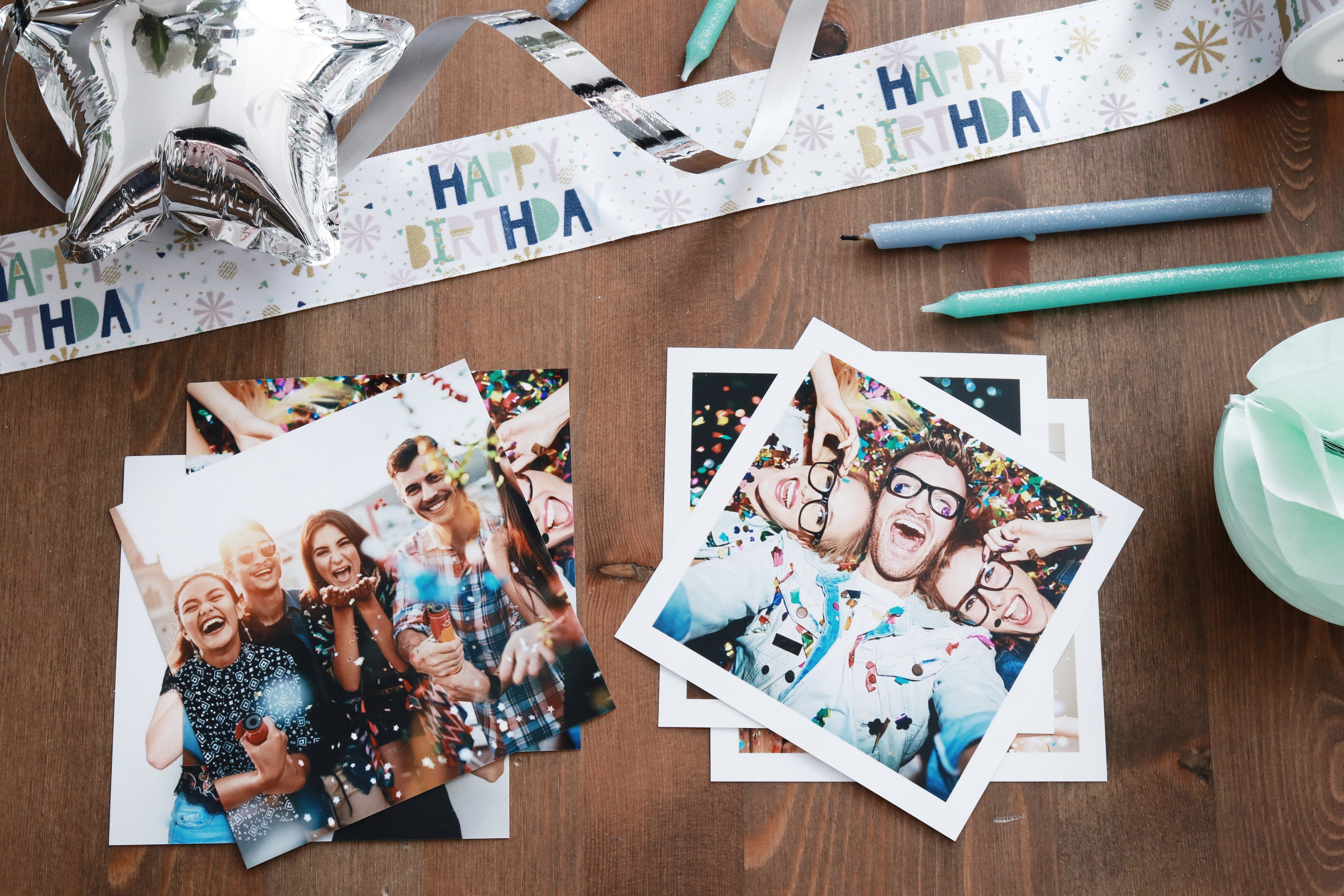
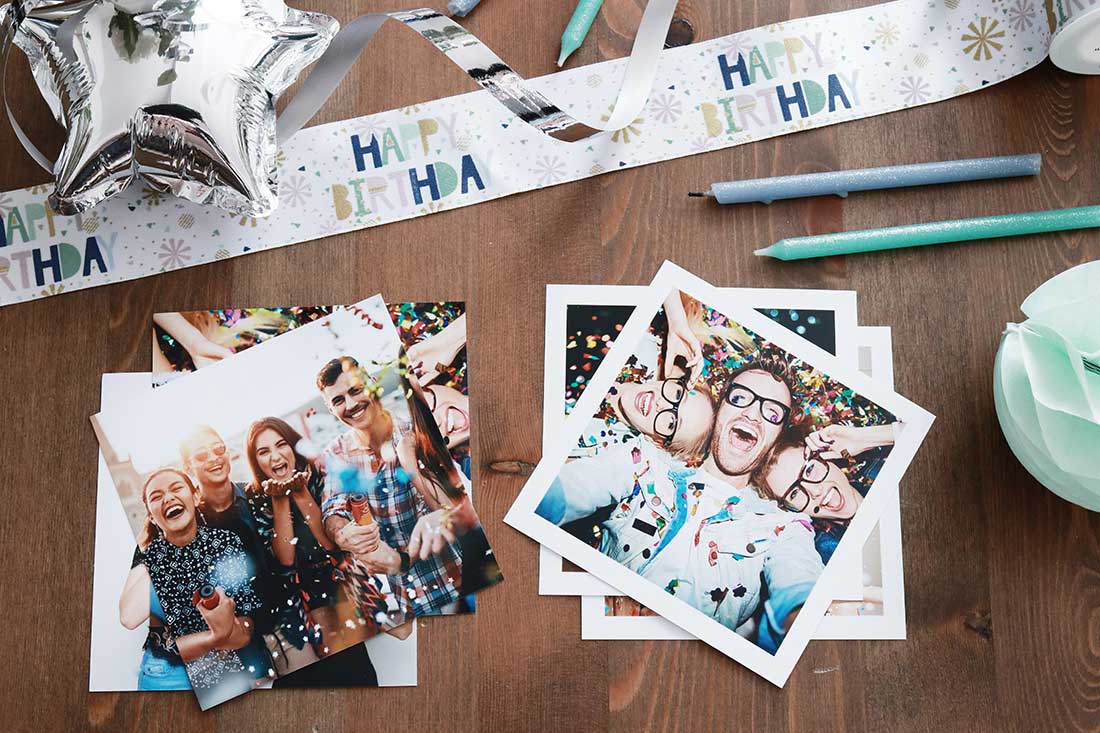
Brilliant Ideas for Your Party Photos
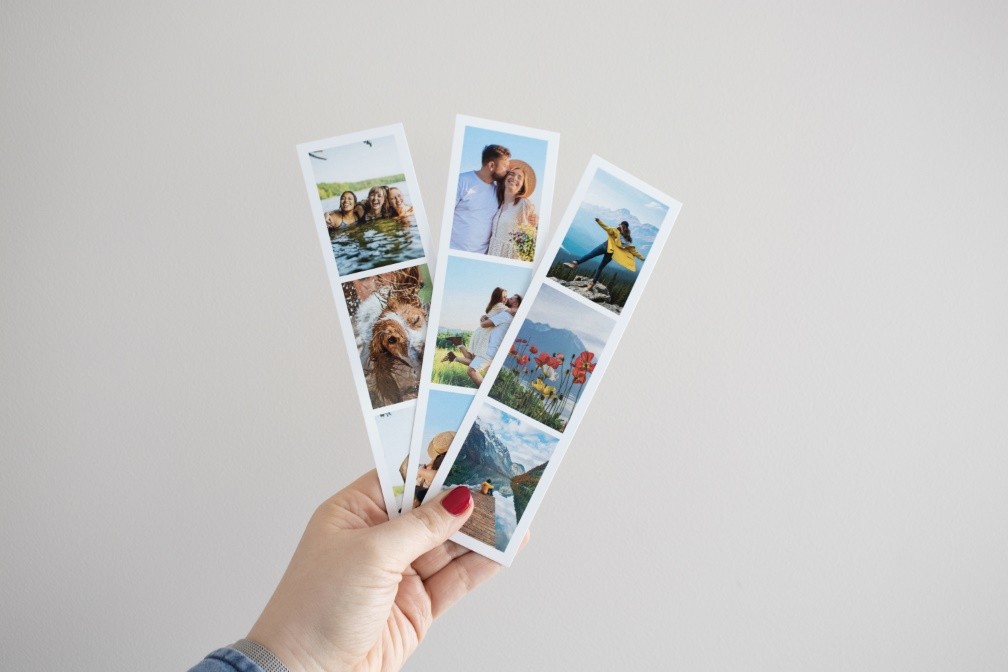
Creative ideas for photo strips
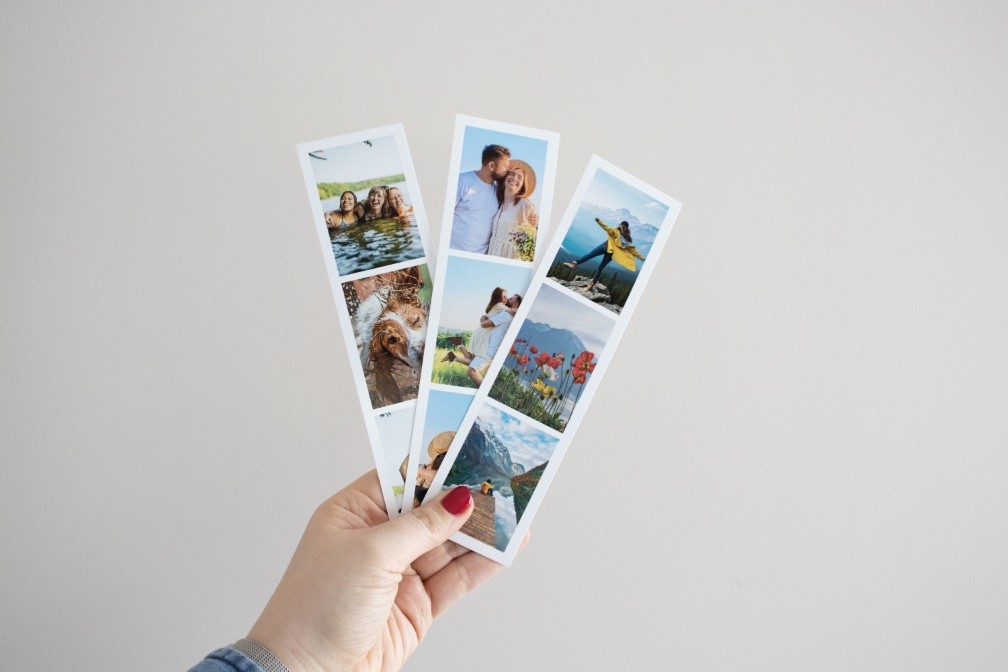
Different ordering methods
Order your photos online, using our ifolor Designer or the app on your smartphone and tablet.



Frequently asked questions - Photos
To ensure your photos are not cropped, the prints automatically adjust to the aspect ratio of your image. This way, the entire photo is preserved.
How it works:
Calculate the aspect ratio:
Open the image details and divide the larger pixel dimension by the smaller one.
Example: 3264 ÷ 2448 = 1.33 → the aspect ratio is 4:3.
Calculate the print size:
For example, choose the format "10 cm". This is the short side (10.2 cm).
With an aspect ratio of 4:3, the calculation is:
10.2 cm × 4/3 = 13.6 cm → your print size is therefore 10.2 × 13.6 cm.
Note:
If your image is too long, it will be cropped.
If it is too narrow, white borders will appear.
Standard formats: 2:3 / 3:2
This format usually comes from DSLR or mirrorless cameras. It is ideal for classic photo prints (recommended).
Special formats:
-
4:3: Common for smartphones and compact cameras. More square than 3:2, resulting in formats like 10.2 × 13.6 cm.
-
Panorama (16:9): Printed with white borders. Larger formats help to better showcase the image.
-
Square (1:1): Both sides are equal length – ideal for square prints.
On Android devices, you can find the different aspect ratios in the settings of the camera app or as a quick setting directly on the display in recording mode. Here you can usually choose between 4:3, 1:1 and 16:9. Depending on the device, it may even be possible to select different resolutions for a certain aspect ratio.
When taking photos with an iPhone, the available aspect ratios are displayed directly above the Shutter button in the camera app. By swiping to the left or right you can choose between “Photo” (4:3), “Square” (1:1) and “Pano” (panorama function). To take a panoramic photo, press the Shutter button and slowly move the iPhone’s camera from one side of your shot to the other. However, these extra-wide photos cannot be developed without image loss. Instead, you can use a photo editing program to split the panoramic photo into several photos and have them developed individually. The 16:9 ratio is only available for video in iOS.
Analogue cameras have an aspect ratio of 2:3. This is determined by the film rolls used, which come in 35mm format and can only show this aspect ratio. For this reason, it is not possible to change the aspect ratio in analogue photography.